
Your Tax Receipts MATTER
Ever heard of a “naked” credit card statement?
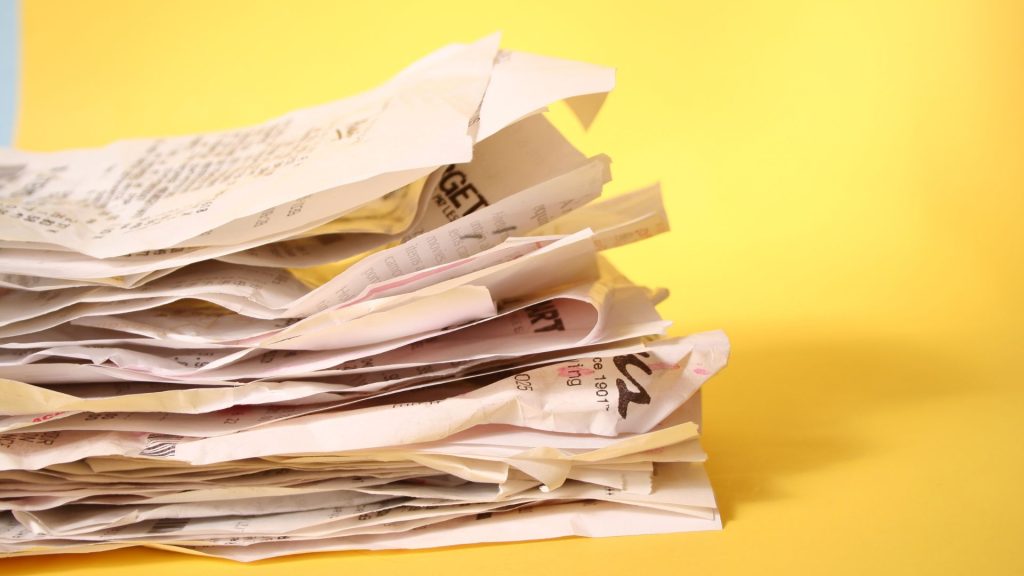
No, this isn’t clickbait or a weird metaphor—it’s a real term used by tax professionals to describe something that could cost your business big-time during an IRS audit. If your credit card statement or checkbook isn’t backed up by actual receipts or invoices, it’s considered “naked.” And the IRS? They don’t like naked.
Let’s fix that. If you’re running a business—especially a small one—you can’t afford to lose deductions just because you didn’t keep track of your paperwork. That’s where digitizing your tax receipts comes in. It’s one of the easiest, smartest moves you can make to protect your income and keep more of your hard-earned money.

Why Receipts Still Matter in 2025
We live in a world where AI can write marketing copy and cars drive themselves—but when it comes to tax deductions, the IRS still wants to see good old-fashioned proof.
That proof comes in the form of receipts. Not bank statements. Not your QuickBooks ledger. Actual receipts. The IRS requires documentation that shows both:
What you bought
That you actually paid for it
Sure, your bank or credit card statement can prove the payment, but it won’t say what was purchased. And if you think the IRS will just take your word for it, think again.
“But I Use QuickBooks!”
That’s great. QuickBooks and other accounting software are fantastic tools—but they’re not enough by themselves. Your books show that you recorded a purchase, but not necessarily that it was legitimate or business-related. During an audit, the IRS is looking for verifiable, third-party evidence that proves the expense qualifies as a deduction.
Let’s say you took a client out to lunch and charged it to your business credit card. Without a receipt, the IRS might disallow that deduction—even if it’s properly entered in your books—simply because there’s no documentation showing what was purchased or who was involved.
The Most Common Reason Businesses Lose Deductions
Here’s a hard truth: lack of documentation is the number-one reason business owners lose deductions during audits. Not incorrect math. Not suspicious expenses. Just missing or incomplete paperwork.
That’s why digitizing your receipts isn’t just a smart move—it’s a necessary one.
Digitizing: A Smart, Simple Solution
We get it. Keeping stacks of paper receipts is annoying. They fade, get lost, or pile up in some dusty corner of your office. Digitizing eliminates all of that.
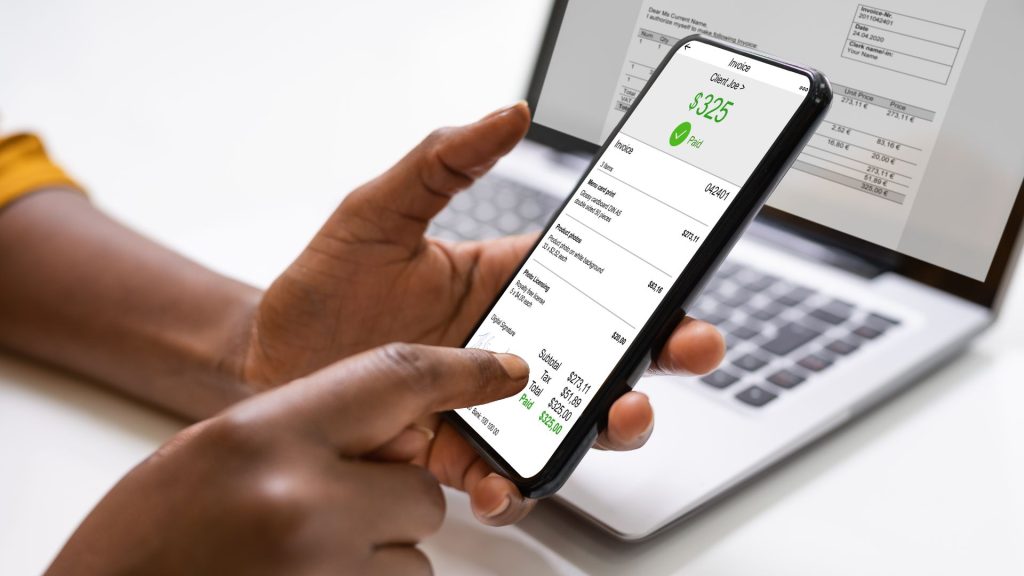
With just your phone, a scanner, or a receipt management app, you can instantly create a permanent, easy-to-find record of every business expense. Whether it’s meals, travel, office supplies, or advertising—if it’s deductible, it deserves a digital copy.
Here’s what to look for in your digital receipt system:
Image of the receipt (clear and complete)
Date of the expense
Vendor name
Description of the item or service
Amount paid
Proof of payment (credit card/bank info or method)
Many apps even let you tag receipts by category or project, making tax time a breeze.

What the IRS Actually Wants to See
When it comes to documentation, the IRS is pretty straightforward. For any deductible business expense, you must be able to show:
What was purchased
That it was purchased for a business purpose
When it was purchased
Who paid for it
How much was paid
If your digital receipt shows all five, you’re golden. If not, you could be looking at disallowed deductions—and a bigger tax bill.
The IRS Accepts Digital
This isn’t a gray area. The IRS officially accepts digital receipts—as long as they are accurate, readable, and accessible. According to IRS Rev. Proc. 97-22, electronic records are treated the same as paper records when it comes to audits and documentation. That means a well-scanned or snapped copy of your receipt is every bit as valid as the original.

Pro Tips to Make It Easy
If you’re ready to get serious about keeping your deductions safe, here’s how to make it easy:
Scan Immediately
Don’t let receipts pile up. Take 10 seconds to snap a photo or scan it the moment you get it.Use a Receipt App
Apps like Expensify, Shoeboxed, Dext, or even QuickBooks’ own receipt capture can help you stay organized with tags, categories, and cloud storage.Go Paperless at the Source
When possible, ask vendors for emailed receipts. These are already digital and can be easily filed away.Back It Up
Store your receipts in more than one place (e.g., cloud and local storage) to make sure you never lose access.Tie Receipts to Transactions
If you’re ever audited, you want to be able to connect each receipt to its corresponding bank or credit card transaction.
Final Thoughts: Don’t Lose Money Over a Piece of Paper
At Quartermaster Tax, we help small business owners like you take advantage of every legitimate tax credit and deduction the law allows. But none of that matters if you don’t have the proof to back it up.
Digitizing your receipts is fast, easy, and one of the most effective ways to protect your deductions and your bottom line. Don’t wait until the IRS is knocking—get ahead of it now. Your future self (and your tax bill) will thank you.
Want help streamlining your tax strategy and making sure your deductions are bulletproof? Book a free consultation with Quartermaster today. We’ll help you keep more of what you earn—because taxes shouldn’t eat away your profits.